Use Vim as a Python IDE

Vim is an awesome text editor that can be used as a Python IDE. For those who use Vim and want to program in Python, here are a few tips on how to do it easily.
Vim is a highly extensible text editor. By adding plugins to your .vimrc and installing other packages, you can tailor Vim to your liking.
I've been using Vim as my primary text editor for several years and I really love it. It has an excellent interface for navigating and editing text, and I've never been able to find a better one.
If you are new to vim, I recommend these exercises
Plugins
A lot of people love Python and they use Vim to write Python code. Instead of the default configuration, you can add plugins to ease Python development with vim.
Auto completion
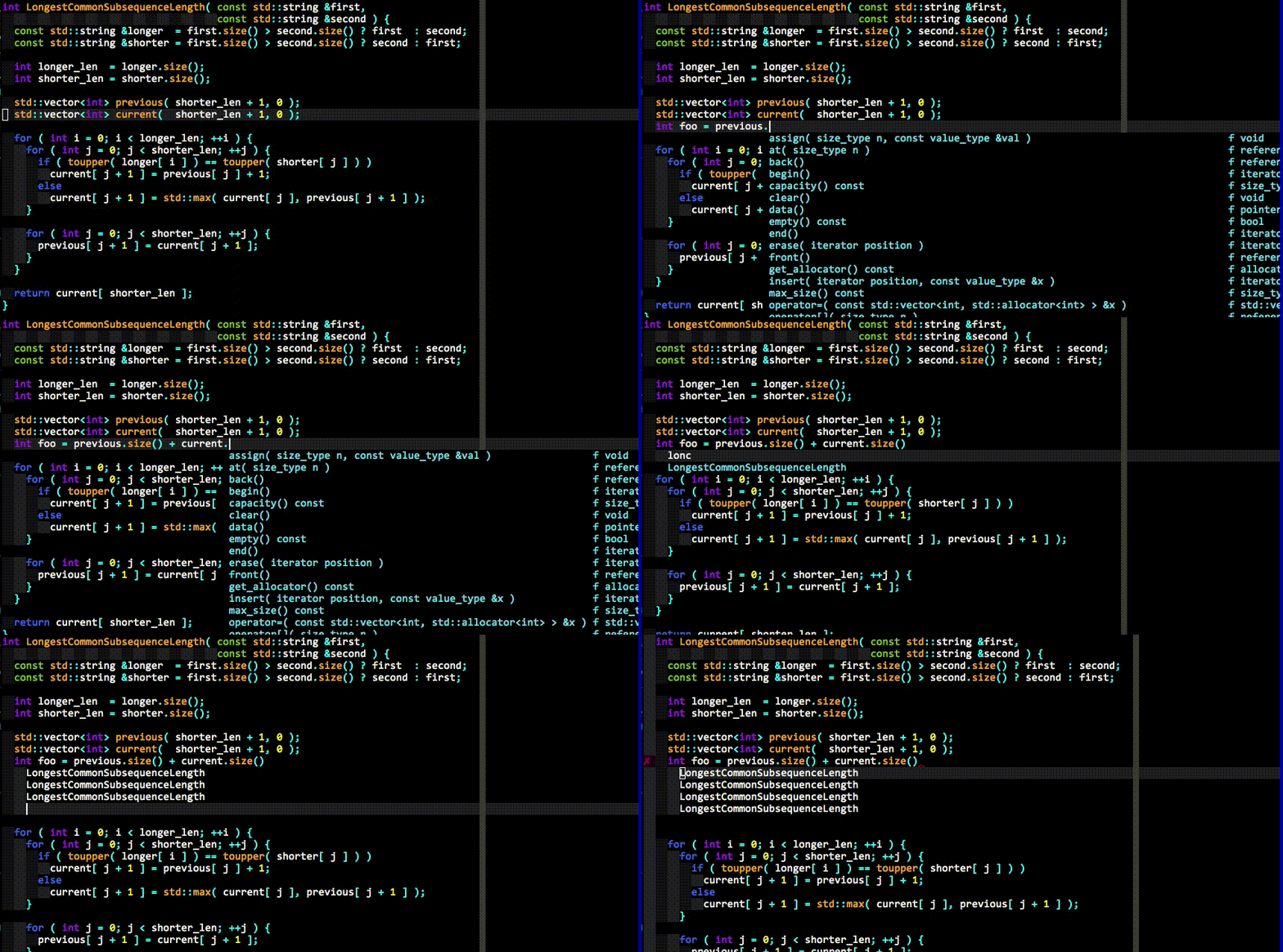
You can add auto completion with the YouCompleteMe plugin.
YouCompleteMe adds fast, as-you-type, fuzzy-search code completion to Vim.
Syntax highlighting
There is a plugin called python-mode. This adds syntax highlighting and many other features to your vim.
- Support Python and 3.6+
- Syntax highlighting
- Virtualenv support
- Run python code (r)
- Add/remove breakpoints (b)
- Improved Python indentation
- Improved Python folding
- Run multiple code checkers simultaneously (:PymodeLint)
- Autofix PEP8 errors (:PymodeLintAuto)
- Search in python documentation (K)
- Code refactoring
- Intellisense code-completion
Syntax checking (lint)
If you like lint, you can use this plugin ale
ALE (Asynchronous Lint Engine) is a plugin providing linting (syntax checking and semantic errors) in Vim 8 while you edit your text files.
Tabs
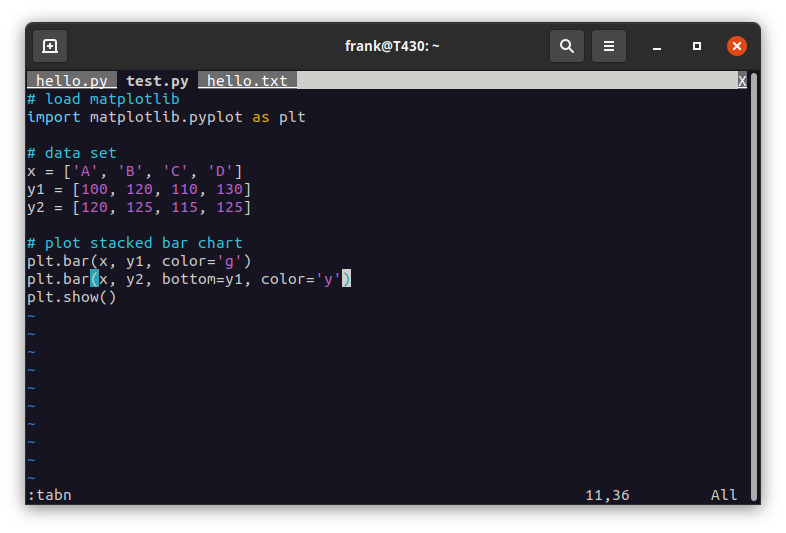
Vim supports tabs out of the box. To open files with tabs start vim like this:
vim file1.py file2.py
Then use the commands :tabn and :tabp to switch between the tabs. To list all your tabs type :tabs.
To close a tab, type :tabclose and use :tabedit file to open a new tab with the file.
Side bar
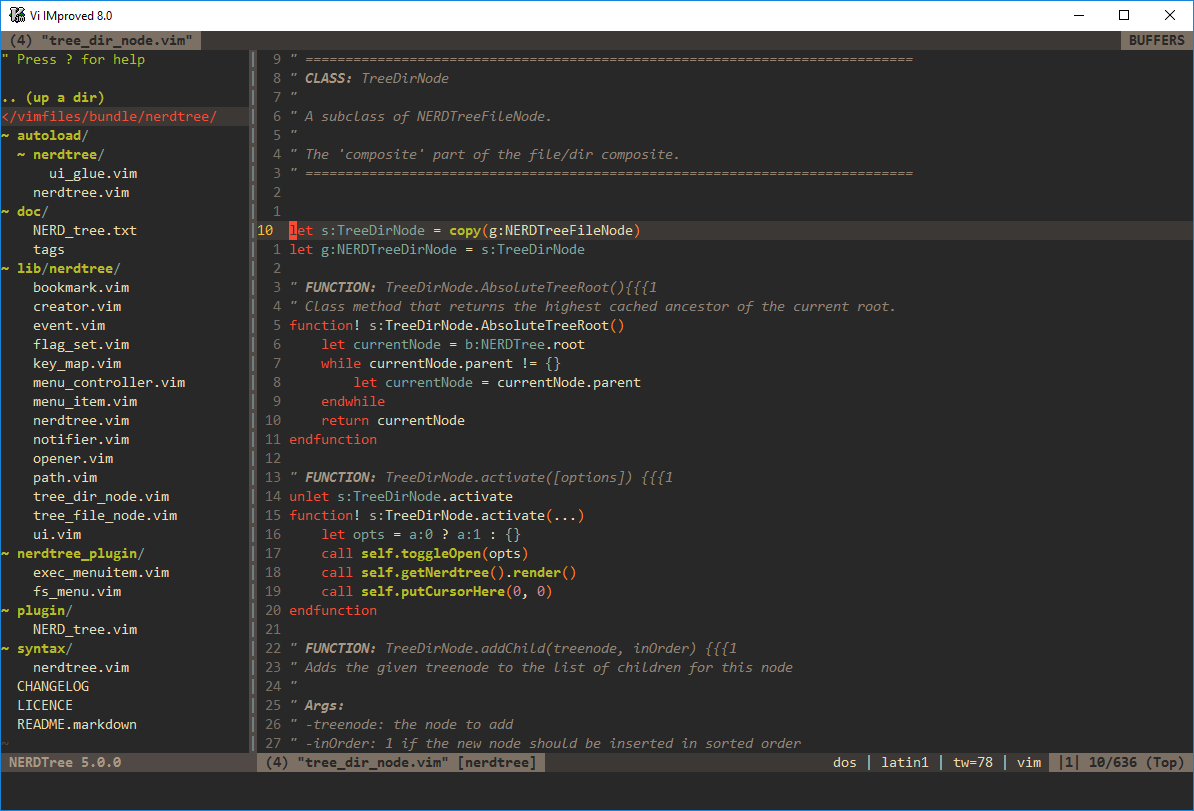
Many IDEs have a sidebar with all your project files. Vim can do this too, using the plugin NerdTree.
This puts a file explorer right inside your vim window. Using this plugin, you can visually browse your project directory.
Quick run
There are several ways to do a quick run. For one, you could just execute the Python command !python3 hello.py.
You can use a terminal multiplexer like tmux. A terminal multiplexer lets you use multiple shells in one screen. You can have vim open in one and bash in another.
You can use a window manager like sway or i3wm. The first one is for Wayland and the second one for the older X11.
Another option is the python-mode plugin :leopard:
You can run !bash each time you want to enter bash, run your commands and then type exit to go back to vim.
It's also possible to use a vim mode plugin inside vscode. Which doesn't support all of vim, but does provide a vim like feel to vscode.


